Using AI Safely: A Data Privacy Checklist for Small Businesses
AI tools can save a small business hours every week. But every time someone pastes a customer email, a contract or a spreadsheet into an AI tool, a question follows: where does that information go, and who can see it?
You don’t need a legal department to use AI responsibly. You need a few clear rules, the right tools and a team that knows what is and isn’t allowed. This practical checklist covers the essentials.
Note: this article is general guidance, not legal advice. Data protection rules vary by country and industry, so check the requirements that apply to your business.
Why AI data privacy matters for small businesses
Small businesses hold more sensitive information than they often realise: customer contact details, order histories, staff records, supplier pricing, financial data. A careless copy-and-paste into the wrong tool can expose information you are responsible for protecting — and damage the trust your customers place in you.
The aim isn’t to avoid AI. It’s to use it in a way you would be comfortable explaining to a customer.
The checklist
1. Choose business-grade tools
Free consumer versions of AI tools may have different data terms from their business or API plans. Before adopting a tool, check:
- Whether your inputs are used to train the provider’s models, and whether you can switch that off
- How long your data is stored and whether you can delete it
- Where the data is processed and stored
- Whether the provider offers admin controls, user management and audit logs
2. Classify your information
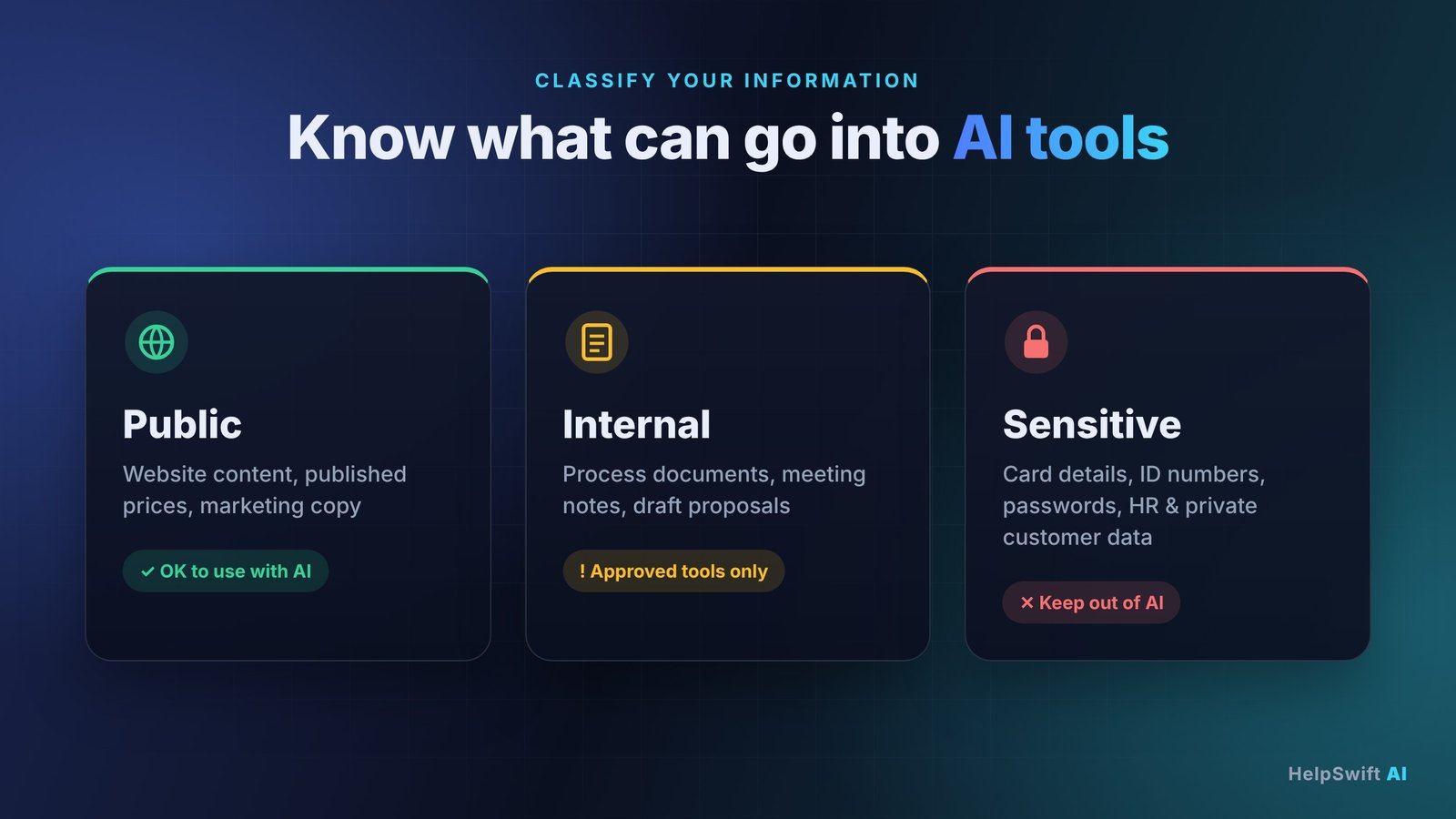
Agree on three simple categories and share them with your team:
| Category | Examples | Use with AI? |
|---|---|---|
| Public | Website content, published prices, marketing copy | Yes |
| Internal | Process documents, meeting notes, draft proposals | Only in approved business tools |
| Sensitive | Card details, ID numbers, passwords, health or HR records, private customer data | No — unless a specific, approved and secured system is designed for it |
3. Write a one-page AI policy
A short, plain-language policy is far more effective than a long one nobody reads. It should answer: which tools are approved, what information must never be entered, who to ask when unsure, and who reviews AI-generated content before it reaches customers.
4. Remove what you don’t need
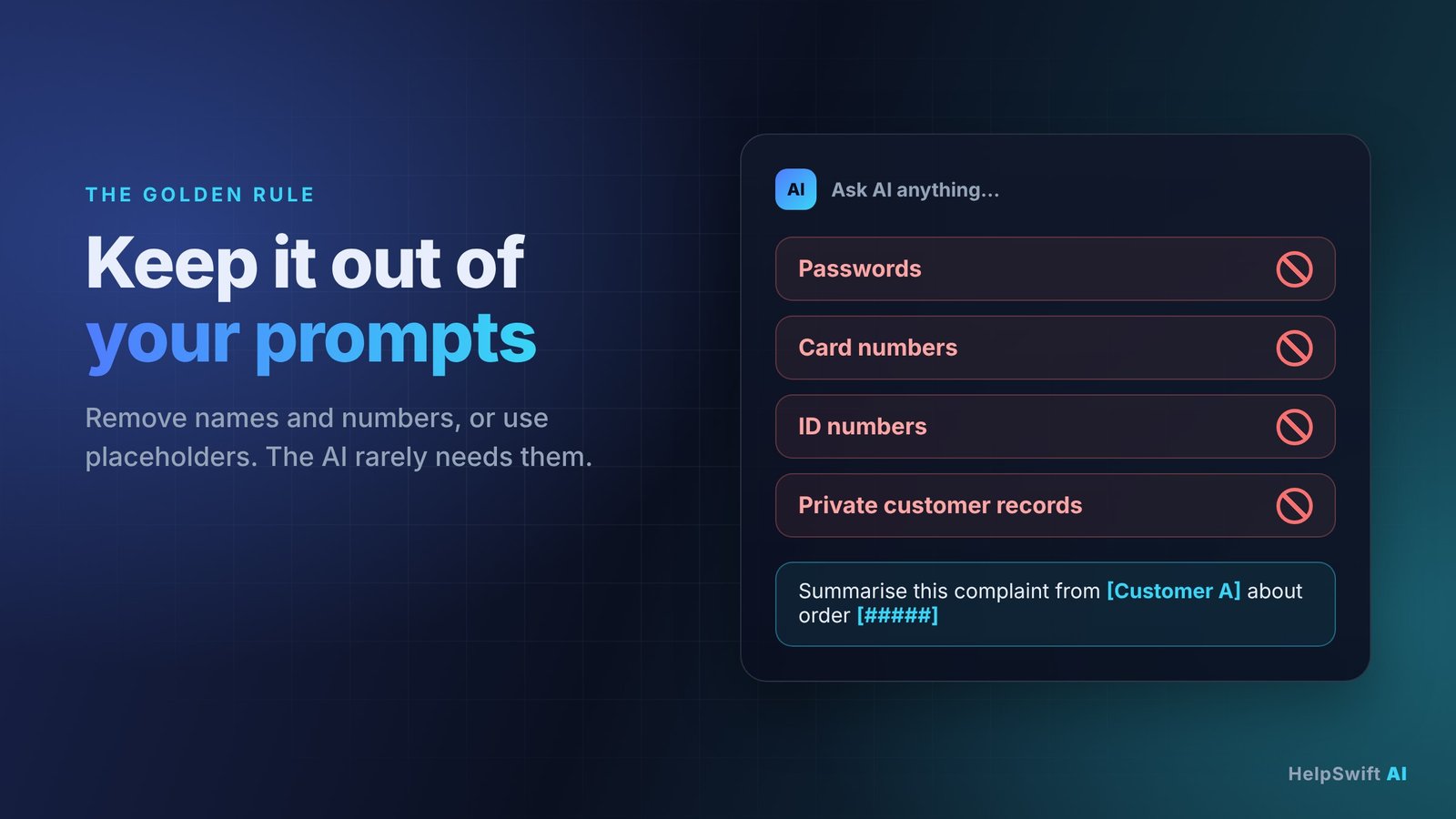
Often the AI doesn’t need personal details to do the job. Summarising a complaint, drafting a reply or analysing trends usually works just as well with names, phone numbers and account numbers removed or replaced with placeholders.
5. Control access
- Use individual accounts, not shared logins.
- Give each person access only to the tools and data they need.
- Turn on two-factor authentication wherever it is available.
- Remove access promptly when someone leaves the business.
6. Be transparent with customers
If customers chat with an AI assistant, tell them. If calls are recorded or transcribed, say so. Update your privacy notice to explain how AI is used in your business. Transparency builds trust; surprises destroy it.
7. Keep a human in the loop for important decisions
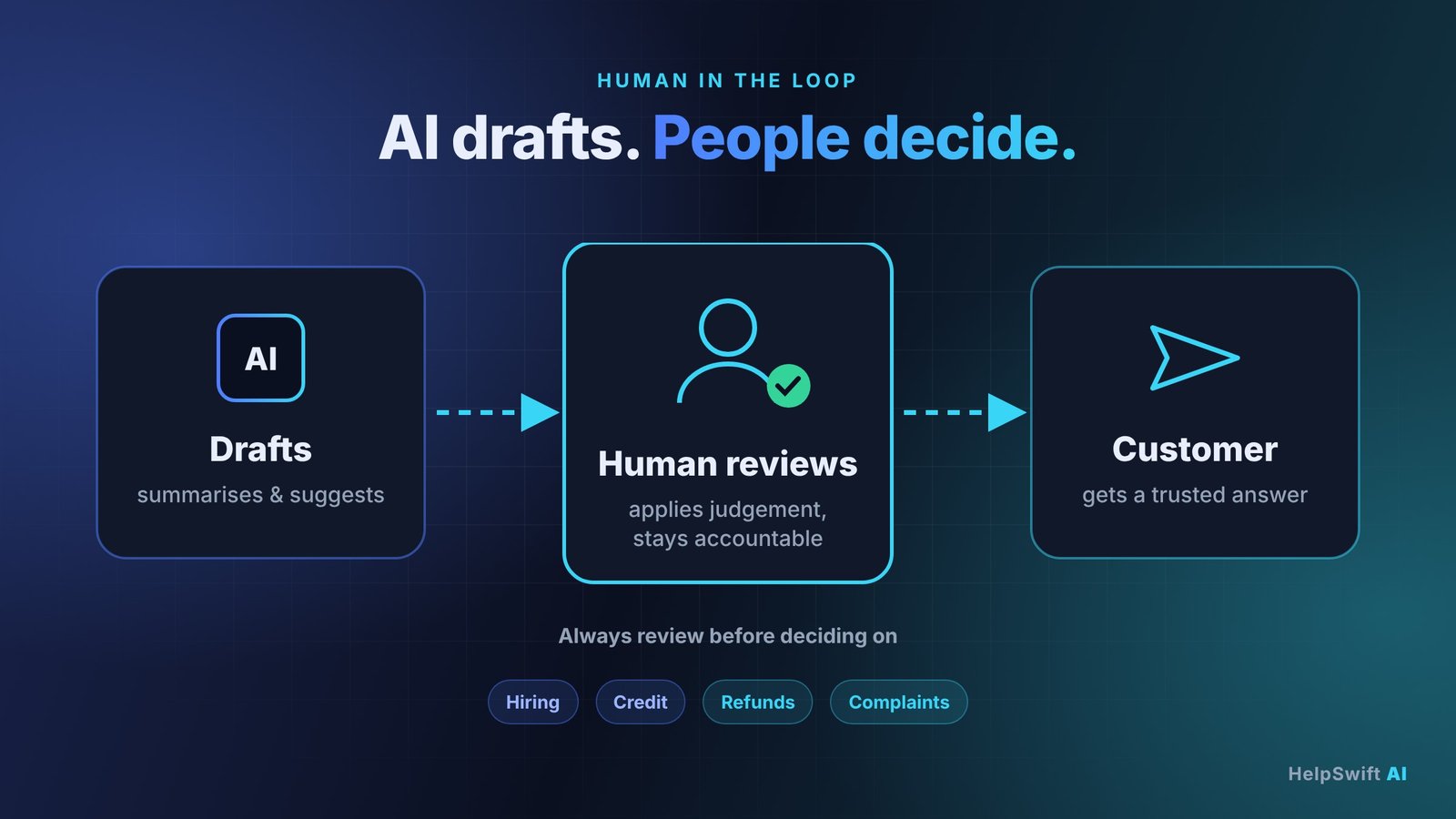
AI can draft, summarise and recommend, but decisions that significantly affect people — hiring, credit, refunds, complaints — should be reviewed by a person who can apply judgement and be accountable.
8. Check your integrations
Automations often connect several apps together. Review which systems an AI tool can read from and write to, and remove connections you no longer use. Every integration is a door; make sure you know which ones are open.
9. Plan for mistakes
Decide in advance what happens if sensitive data is shared by accident: who is told, how the data is deleted from the tool, and whether customers or authorities need to be informed under the rules that apply to you.
10. Review regularly
AI tools and their terms change quickly. Set a reminder to review your approved tools, access lists and policy every few months.
Good AI governance for a small business fits on one page — and it’s the page that lets everyone use AI with confidence.
Quick-start version
If you only do three things this week, do these:
- Move your team onto business-grade AI accounts with training on your data switched off.
- Tell everyone the one golden rule: no passwords, card numbers, ID numbers or private customer records in AI tools.
- Name one person as the go-to contact for AI questions.
Final thought
Privacy and productivity are not opposites. The businesses that adopt AI successfully are usually the ones that set clear guardrails early — because their teams can then use AI confidently instead of nervously.
Need help choosing secure AI tools or designing a private AI assistant for your business? Explore our custom AI solutions or book a free consultation.
Frequently asked questions
Does using AI mean our data trains someone else’s model?
Not necessarily, and it varies by product and by plan. OpenAI’s developer documentation states that data sent to its API is not used to train its models by default, with abuse-monitoring logs retained for up to 30 days unless the account is approved for zero data retention. Free consumer chat tools frequently operate under different terms. Check the exact tier you are on rather than the company’s general marketing page.
What is the single most important step?
Decide what information is allowed to leave your business before anyone signs up for a tool. Every other control on this list is easier to apply once that line exists and the team knows where it sits.
Can a provider change the rules later?
They can change their terms, which is why this is worth reviewing periodically rather than once. The US Federal Trade Commission has warned that AI companies risk enforcement if they break privacy promises, including by quietly changing terms to use customer data in new ways without clear notice and affirmative express consent.
Is a free AI tool safe for client data?
Read the terms for that exact tier rather than the company’s general privacy page, because free tiers often reserve rights that paid business tiers do not. If you are unsure, keep client-identifying detail out of it entirely. On builds we agree this before anything is connected, as described on our custom AI page.
Related reading
- AI chatbots for small business — what a grounded assistant does well, and where it should stop.
- Tasks a small business can automate with AI — where automation pays off, and who should still be checking it.
- Where to start with AI: a 90-day plan — a staged approach that keeps privacy decisions ahead of the build.
Sources
- US Federal Trade Commission, AI Companies: Uphold Your Privacy and Confidentiality Commitments (January 2024) — warns that firms risk enforcement if they break privacy promises, including by quietly changing terms to use customer data in new ways without clear notice and affirmative express consent.
- OpenAI, Data controls in the OpenAI platform — states that data sent to the OpenAI API is not used to train its models by default, and that abuse-monitoring logs are retained for up to 30 days unless an account is approved for zero data retention.
- NIST, Artificial Intelligence Risk Management Framework (AI RMF 1.0) — a voluntary US framework built around four functions, Govern, Map, Measure and Manage.