7 Everyday Tasks Your Small Business Can Automate with AI This Month
Ask most small business owners where their week goes and you’ll hear the same answer: admin. Copying details from one system to another, chasing invoices, sending reminders, writing the same emails again and again. None of it is difficult. All of it takes time away from customers and growth.
The good news is that much of this work can now be automated with AI and modern workflow tools — without hiring developers or replacing the systems you already use. Below are seven everyday tasks that are realistic to automate within a month, along with what to watch out for.
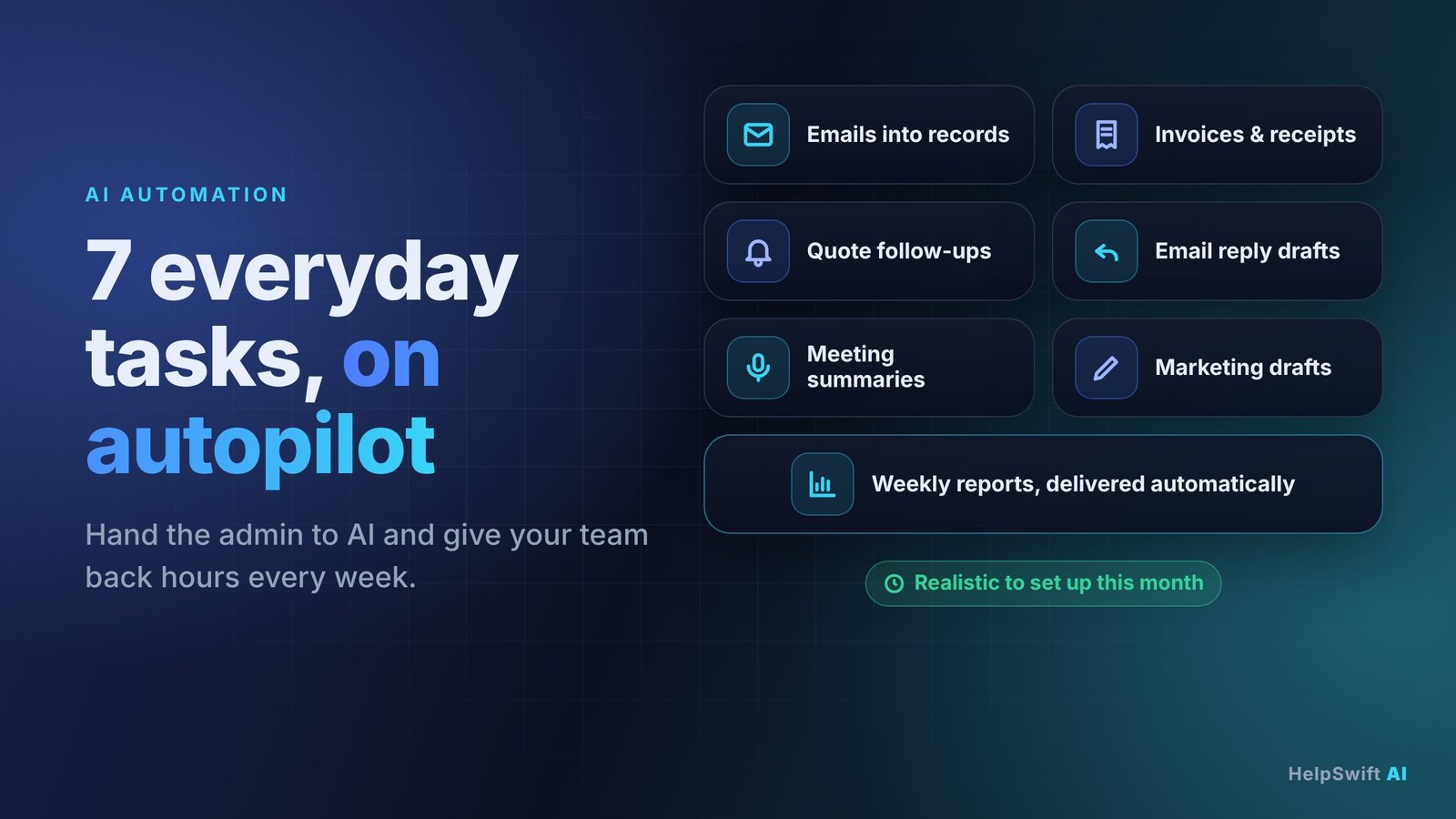
1. Turning emails and forms into organised records
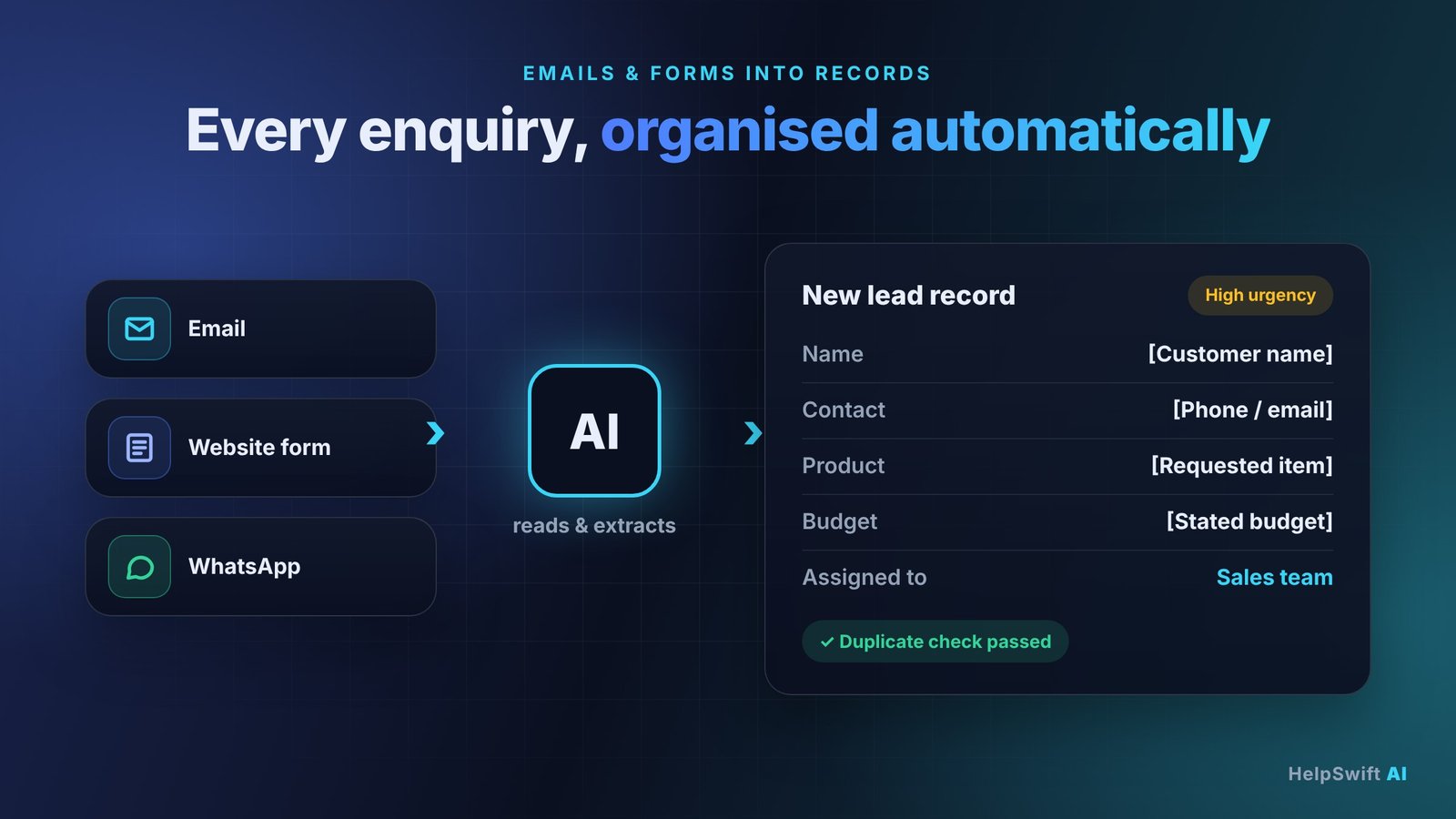
Enquiries arrive by email, website forms and WhatsApp, then someone copies the details into a spreadsheet or CRM. An automation can read each incoming message, extract the key details — name, contact, product, budget, urgency — and create a clean record automatically, tagged and assigned to the right person.
Watch out for: duplicates. Make sure the workflow checks whether a contact already exists before creating a new one.
2. Processing invoices and receipts
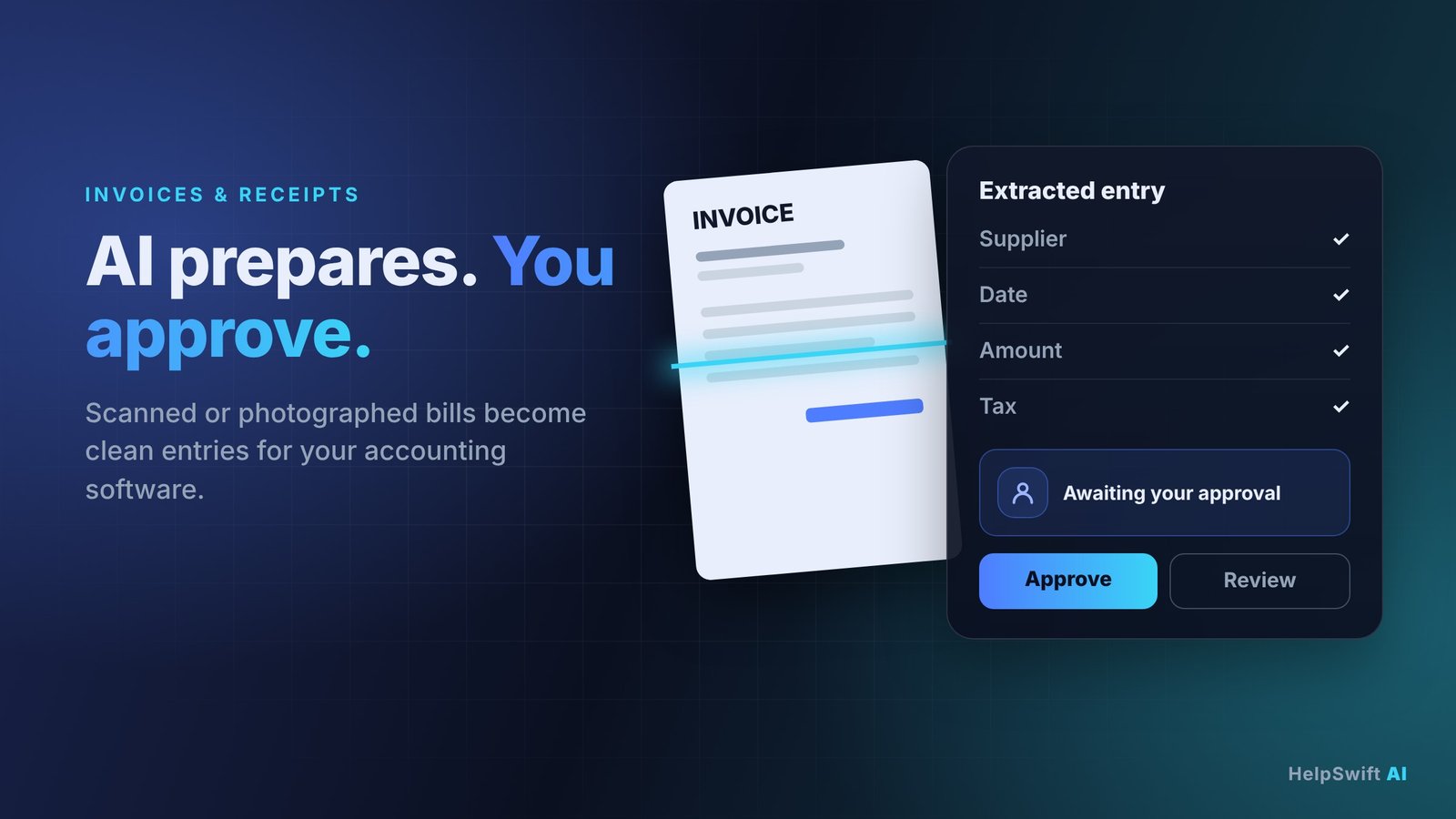
AI is now very good at reading invoices, bills and receipts — including scanned or photographed ones. It can pull out the supplier, date, amount and tax, then send the data to your accounting software or a spreadsheet for approval.
Watch out for: approvals. Let the AI prepare the entry, but keep a person approving payments.
3. Following up on quotes and unpaid invoices
Polite, timely follow-ups win business and get you paid, yet they are the first thing to slip when the team is busy. An automation can send a friendly reminder a few days after a quote goes out, and a sequence of gentle nudges when an invoice becomes overdue — stopping automatically once the customer replies or pays.
4. Drafting replies to common emails
Rather than writing every reply from scratch, an AI assistant can draft responses to routine emails using your tone and your information. Your team reviews, edits if needed and sends. It is one of the fastest wins available, and it keeps a human in control of every message.
5. Summarising meetings and calls
AI note-takers can turn a meeting or sales call into a short summary with decisions and action items, then send it to attendees or add tasks to your project tool. No more “what did we agree last week?”
Watch out for: consent. Always tell participants when a call is being recorded or transcribed.
6. Creating first drafts of marketing content
Product descriptions, social posts, newsletters and job adverts all follow familiar patterns. AI can produce a solid first draft in seconds from a few bullet points, leaving your team to add the personality, check the facts and approve. Used this way, it speeds up content without making your brand sound generic.
7. Producing weekly reports automatically
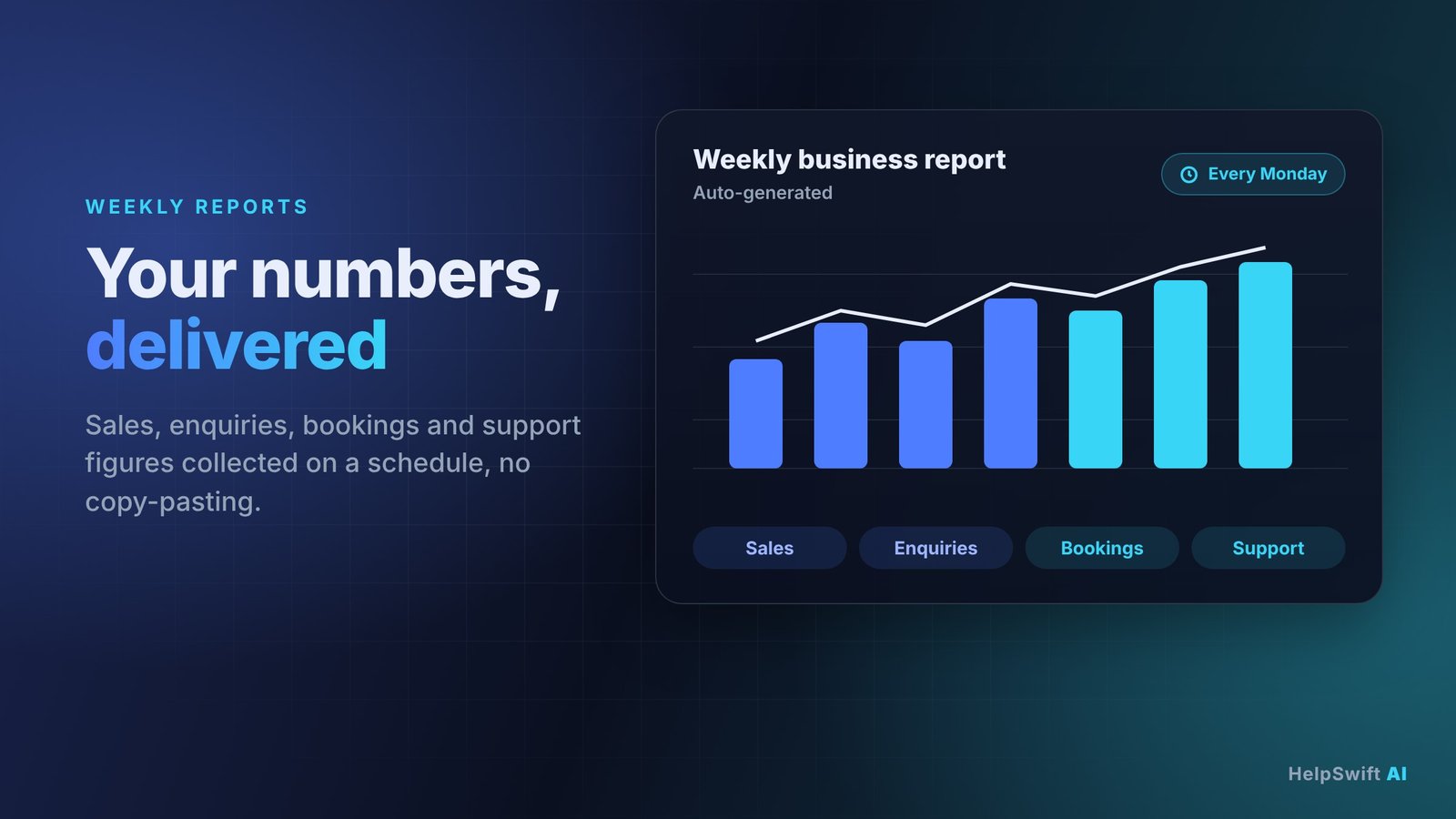
Many owners spend hours every week pulling numbers from different systems into one report. An automation can collect sales, enquiries, bookings or support figures on a schedule and deliver a simple summary — or a live dashboard — every Monday morning.
How to choose what to automate first
Not every task is worth automating. Use this quick test:
| Question | Good sign for automation |
|---|---|
| How often does it happen? | Daily or weekly, not once a quarter |
| Does it follow a pattern? | The steps are mostly the same each time |
| What happens if it goes wrong? | Mistakes are easy to spot and cheap to fix |
| Is the data digital? | Information arrives by email, forms, files or apps |
| Who owns it? | One person can check it is working each week |
A task that ticks all five boxes is an excellent first candidate. Start with one, measure the hours saved, then move to the next.
Automation works best when it removes the boring parts of a job, not the judgement.
Common mistakes to avoid
- Automating a broken process. If the manual process is messy, automating it just produces mess faster. Simplify first.
- Building everything at once. Small, separate workflows are easier to test, fix and explain to your team.
- No error alerts. Every workflow should notify someone when it fails, so problems don’t go unnoticed for weeks.
- Forgetting the team. Explain what is being automated and why. People adopt tools they understand.
Final thought
You don’t need a large IT budget to get real value from AI automation. A handful of well-chosen workflows can give your team back hours every week — time that is far better spent on customers than on copying and pasting.
Want to know which of your tasks are worth automating first? Take our 2-minute AI opportunity assessment, explore our AI automation services, or book a free consultation.
Frequently asked questions
Can AI read our invoices and receipts accurately?
It extracts most fields well and still needs checking. The IRS expects supporting documents for purchases and expenses to identify the payee, the amount paid, proof of payment and the date incurred, so keep the originals and have a person confirm what was extracted before it reaches your books.
What should we automate first?
Something frequent, well understood and done the same way every time. Frequency is what repays the build, and consistency is what makes it possible. A task done twice a month rarely justifies the work.
Does automation always need AI?
No, and most of the useful automation in a small business does not. Ordinary rules and integrations handle the bulk of it. AI earns its place where something has to be read, classified, summarised or drafted.
Who should be checking the output?
A named person, not whoever notices. NIST’s AI Risk Management Framework puts human oversight at the centre of managing AI risk, and in practice one reviewer with a clear remit beats a general intention that someone will keep an eye on it. We scope that on our workflow automation page.
Related reading
- Where to start with AI: a 90-day plan — how to choose between candidates and prove the first one worked.
- An AI data privacy checklist for small businesses — what to settle before documents start flowing through a third-party tool.
- AI chatbots for small business — automating the questions rather than the paperwork.
Sources
- US Internal Revenue Service, What kind of records should I keep — sets out that supporting documents for purchases and expenses should identify the payee, the amount paid, proof of payment and the date incurred.
- NIST, Artificial Intelligence Risk Management Framework (AI RMF 1.0) — a voluntary US framework built around four functions, Govern, Map, Measure and Manage.